The patient experience
Simple to use exercise plans, reminders and tap-to-pay.
Ask a patient to make an account and a good number of them simply will not, and the plan you spent ten minutes building never gets opened. So there is no app to download, no account to create and no password to forget: one link showing their exercise plan, their next appointment and a fast way to pay, updating the moment you change anything.
One link. No app, no account, no password.
- Your patient gets a link. They open it. That is the entire flow.
- No app to download, no account to create, and no password to have forgotten by week three, which is where most patient portals quietly die.
- Every step between a patient and their exercises costs you some percentage of the people who will actually do them. This removes all of them.
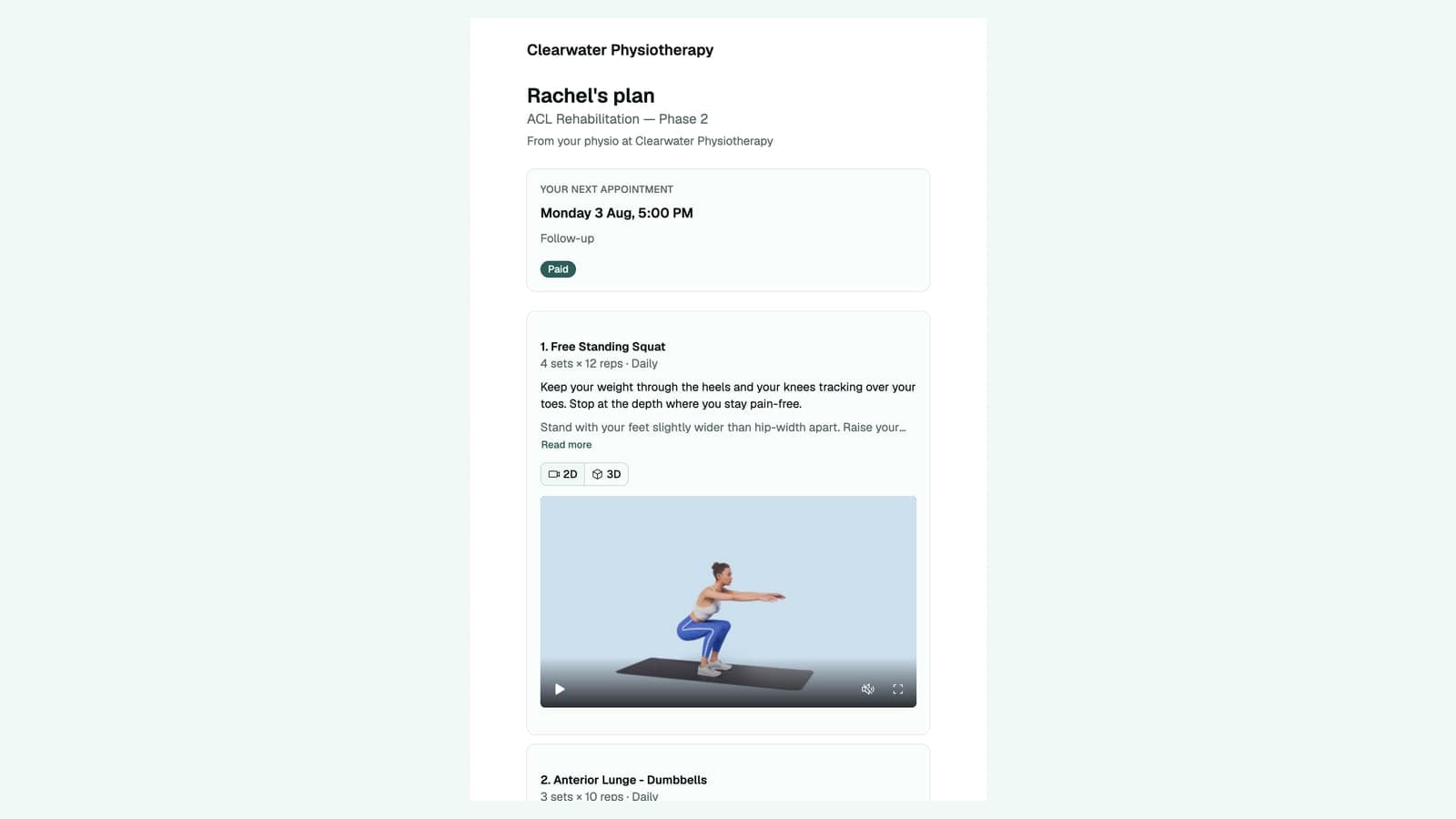
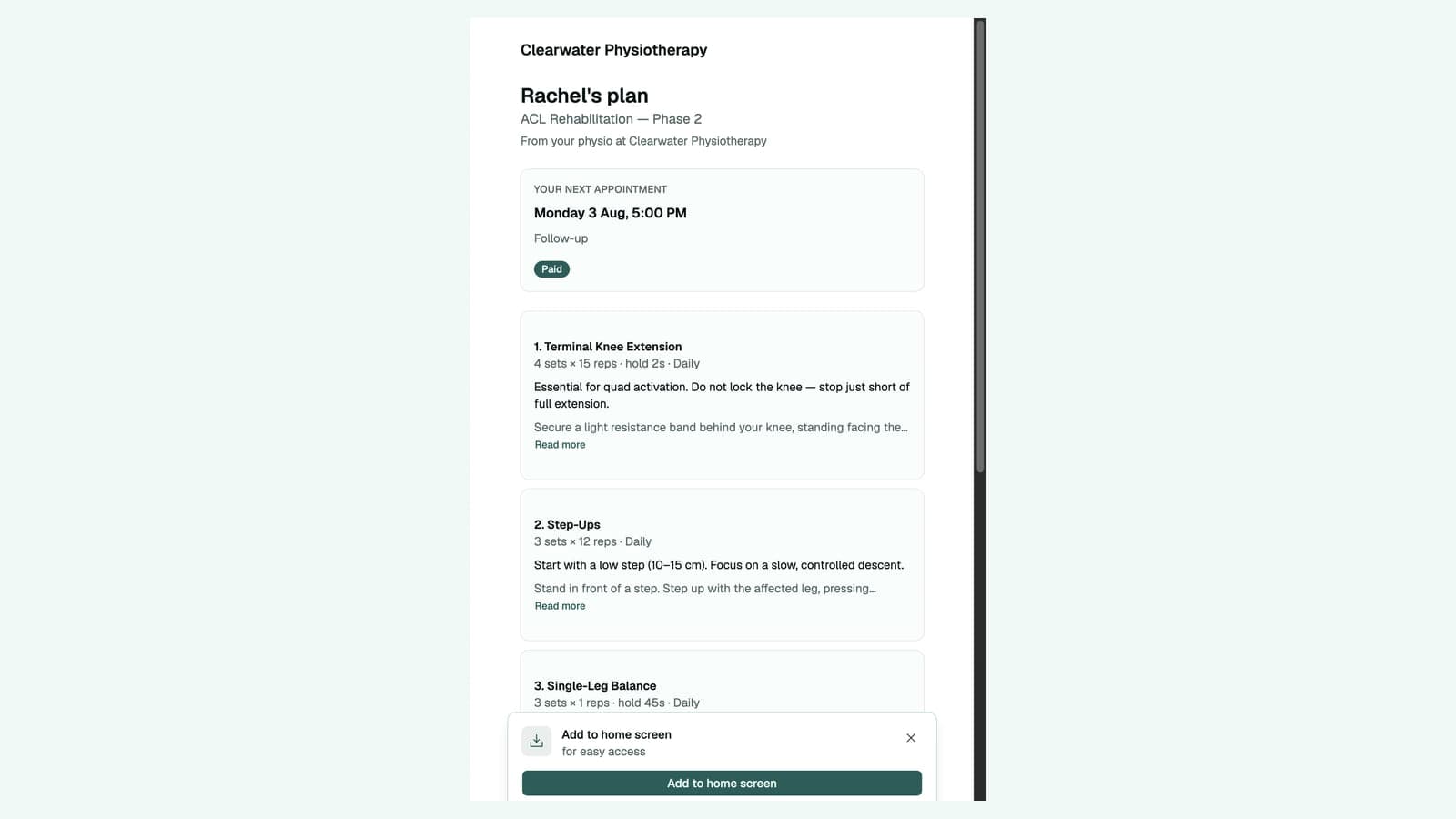
They can keep it on their home screen
- If they want, they add it to their phone’s home screen and it behaves like any other app: always there, full screen, its own icon.
- It is a web-app, which means it is a website that behaves like an app. No app store, no download, no approval process.
You change the plan; theirs changes
- Update the programme and the same link shows the new one next time they open it. Nothing to resend, nothing for them to lose.
- No version confusion, and no patient quietly doing last month’s exercises for a fortnight.
- Exercises play with video, voiceover and controllable 3D models, so they can see what should be moving without you in the room.
- One tap marks a session done. Not a diary, not a daily pain score, just one tap, because anything more elaborate gets abandoned along with the exercises.
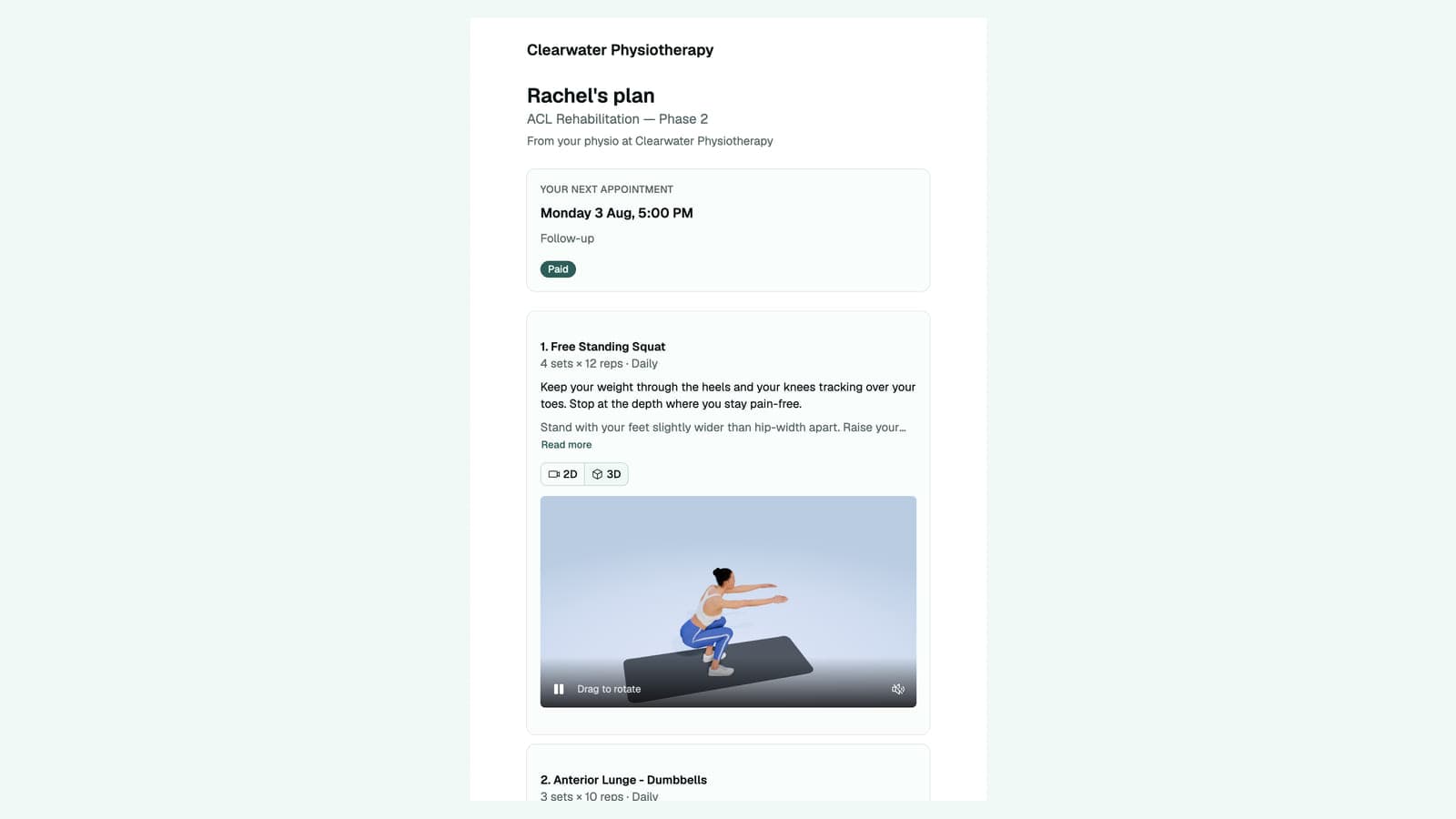
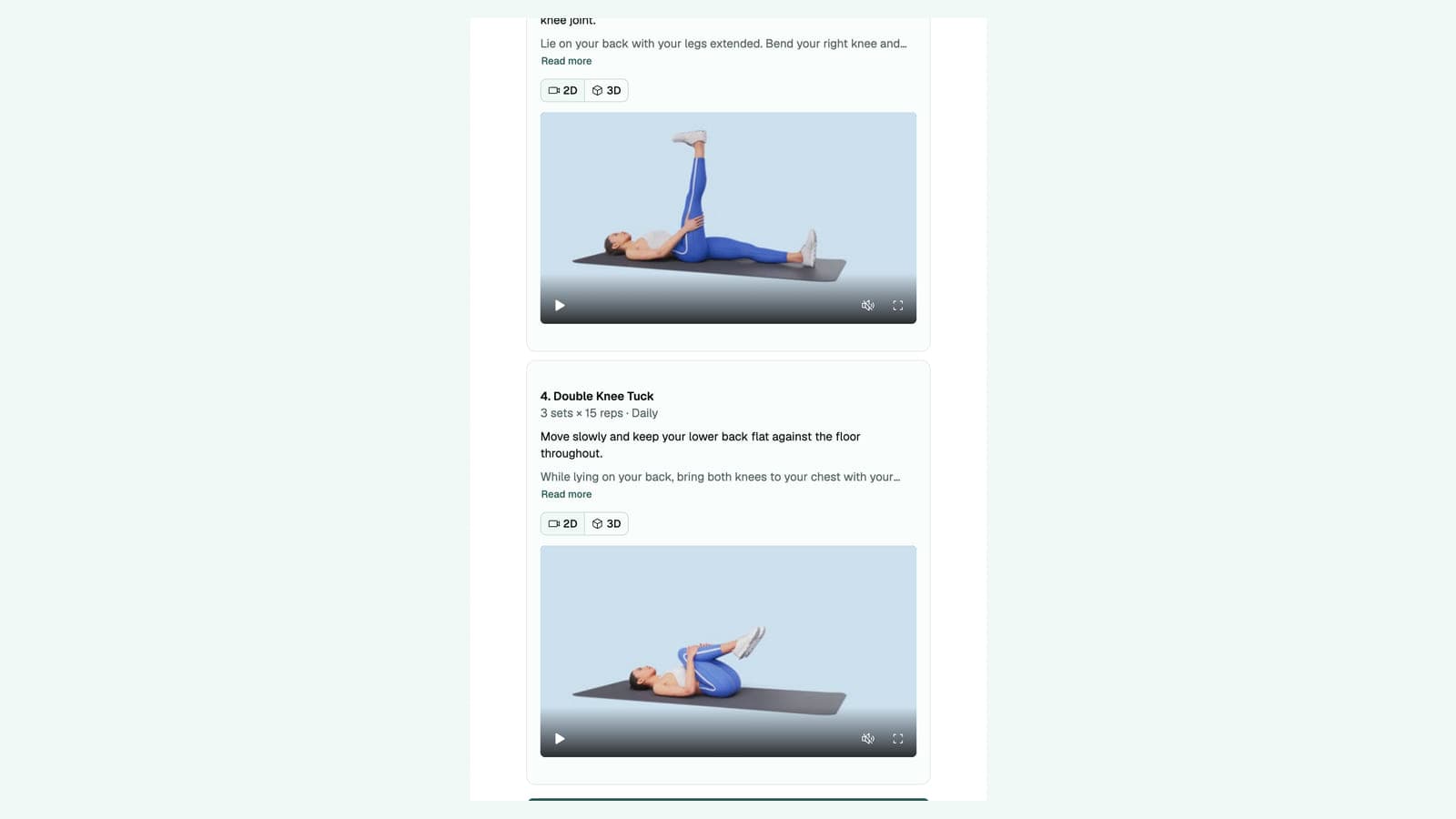
Their next appointment is on the same screen
- The plan page shows their next appointment: the date, the time and what it is for.
- It also carries a payment status, so the patient can see if they need to pay.
And they can pay you right from the same screen
- When payment is pending on that appointment, there is a Pay button. They tap it, they pay, and it's settled.
- A patient who can pay from the same screen they already open to do their exercises is a patient who pays sooner.